> For the complete documentation index, see [llms.txt](https://docs.opsnow.io/dev-opsnow-user-guide-v0.2/llms.txt). Markdown versions of documentation pages are available by appending `.md` to page URLs; this page is available as [Markdown](https://docs.opsnow.io/dev-opsnow-user-guide-v0.2/introduction/getting-started/connect-your-cloud-accounts/connect-aws-accounts.md).
# Connect AWS Accounts
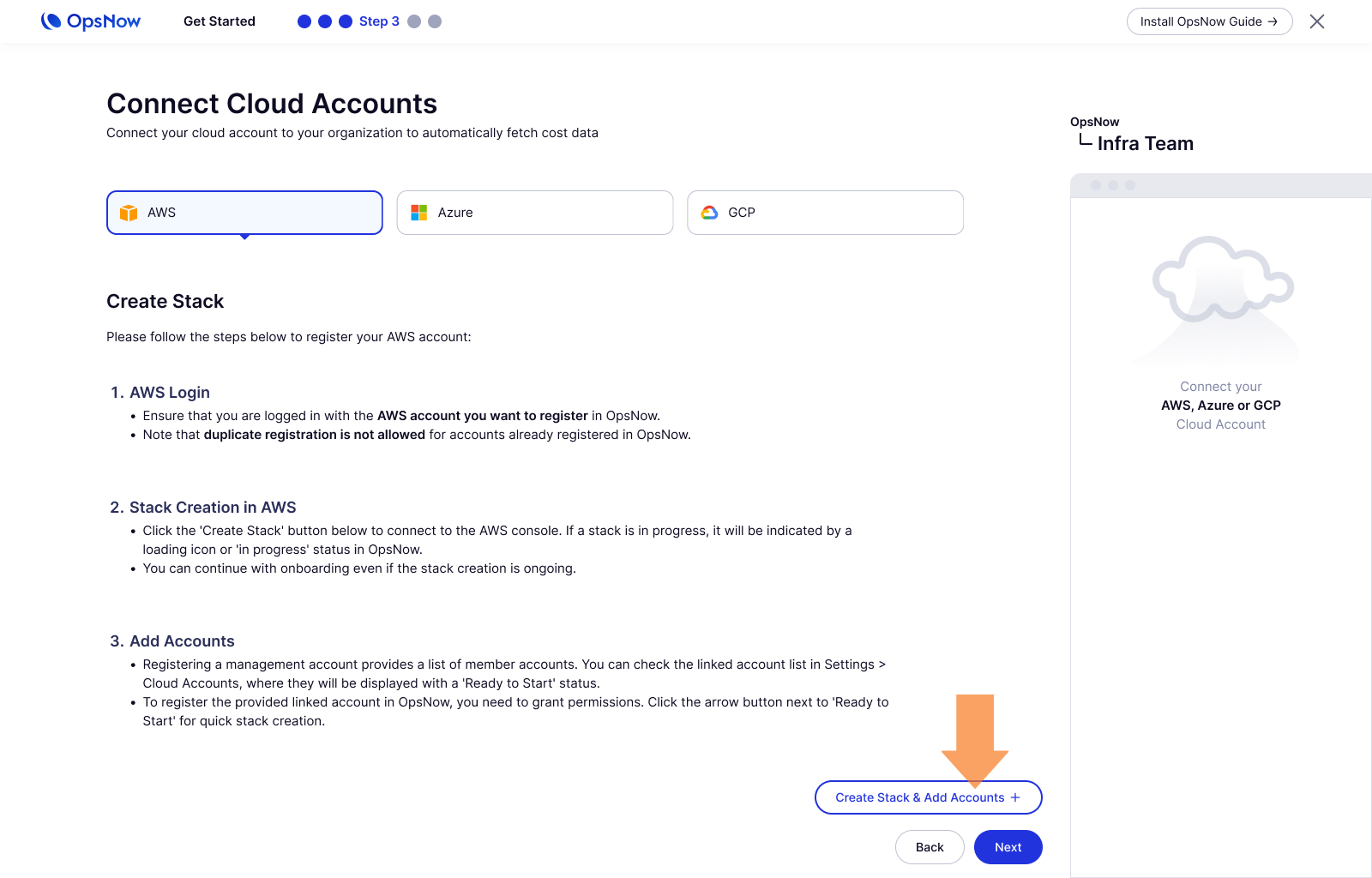
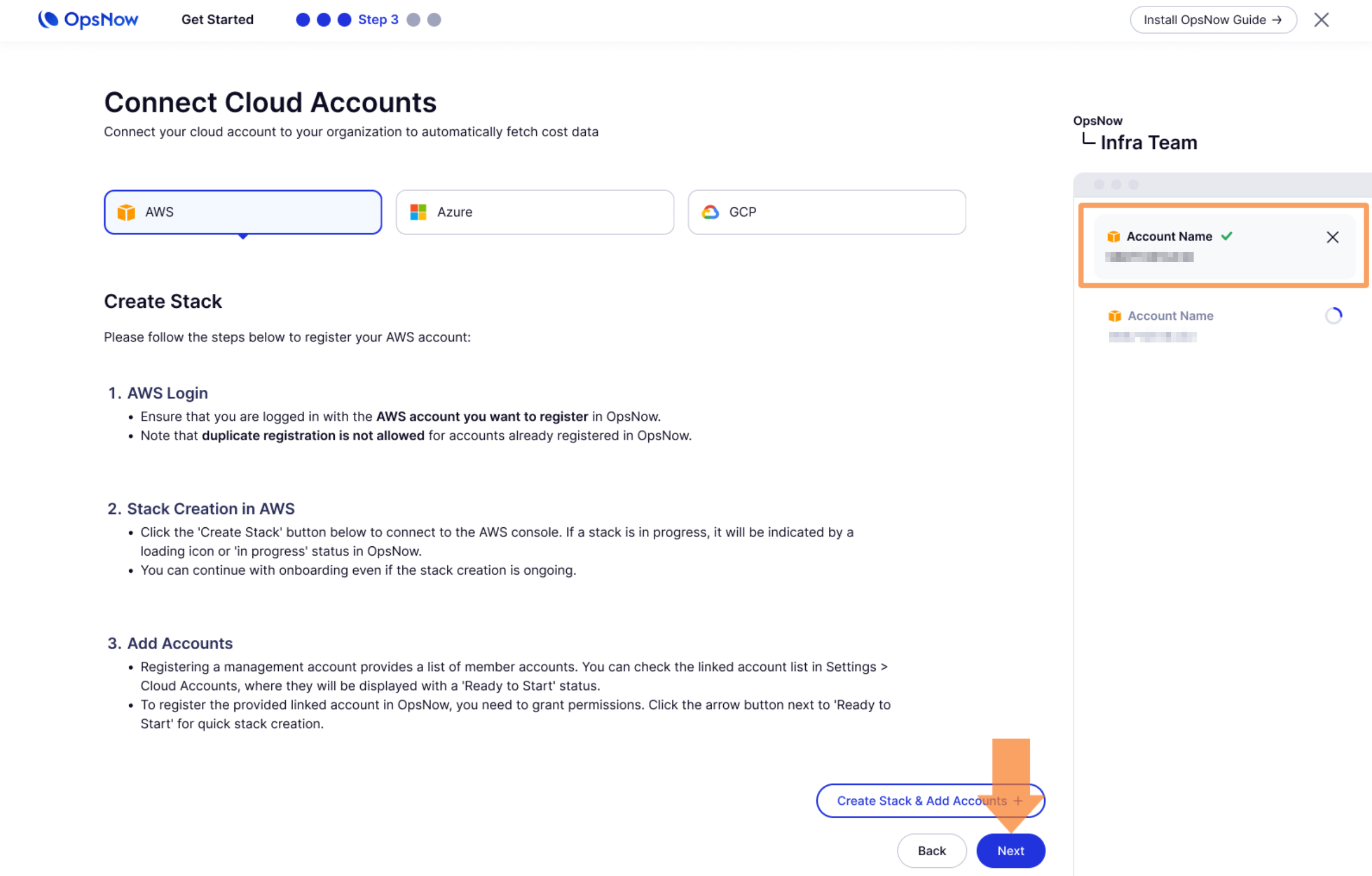
To connect your AWS account with OpsNow, follow the steps provided on the webpage. Log in to your AWS account, create a stack in AWS, and add your accounts. This process ensures that your accounts are properly linked and that permissions are granted for seamless integration with OpsNow.
### 1. Create Stack
* Please click **Create Stack & Add Accounts** button.
{% hint style="info" %}
To take a look at the OpsNow CloudFormation template, see [CloudFomation YAML Template](https://s3-data-dev-cloudformation.s3.ap-northeast-2.amazonaws.com/v1.6/opsnow-template-v1.6.yml)
{% endhint %}
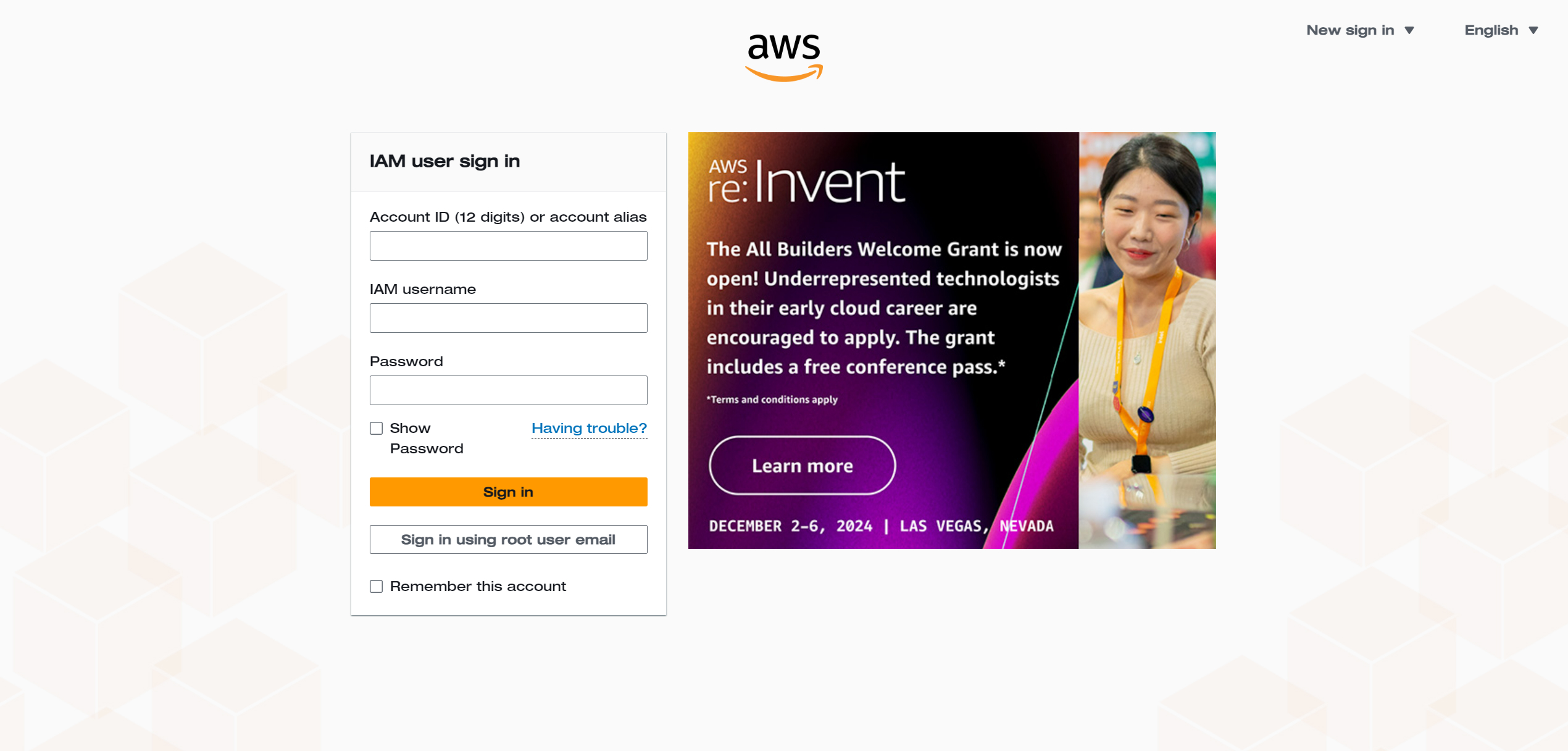
### 2. AWS Login
* Ensure that you are logged in with the AWS account you want to register with OpsNow. Duplicate registration of an account already registered with OpsNow is not allowed.
### 3. Stack Creation in AWS
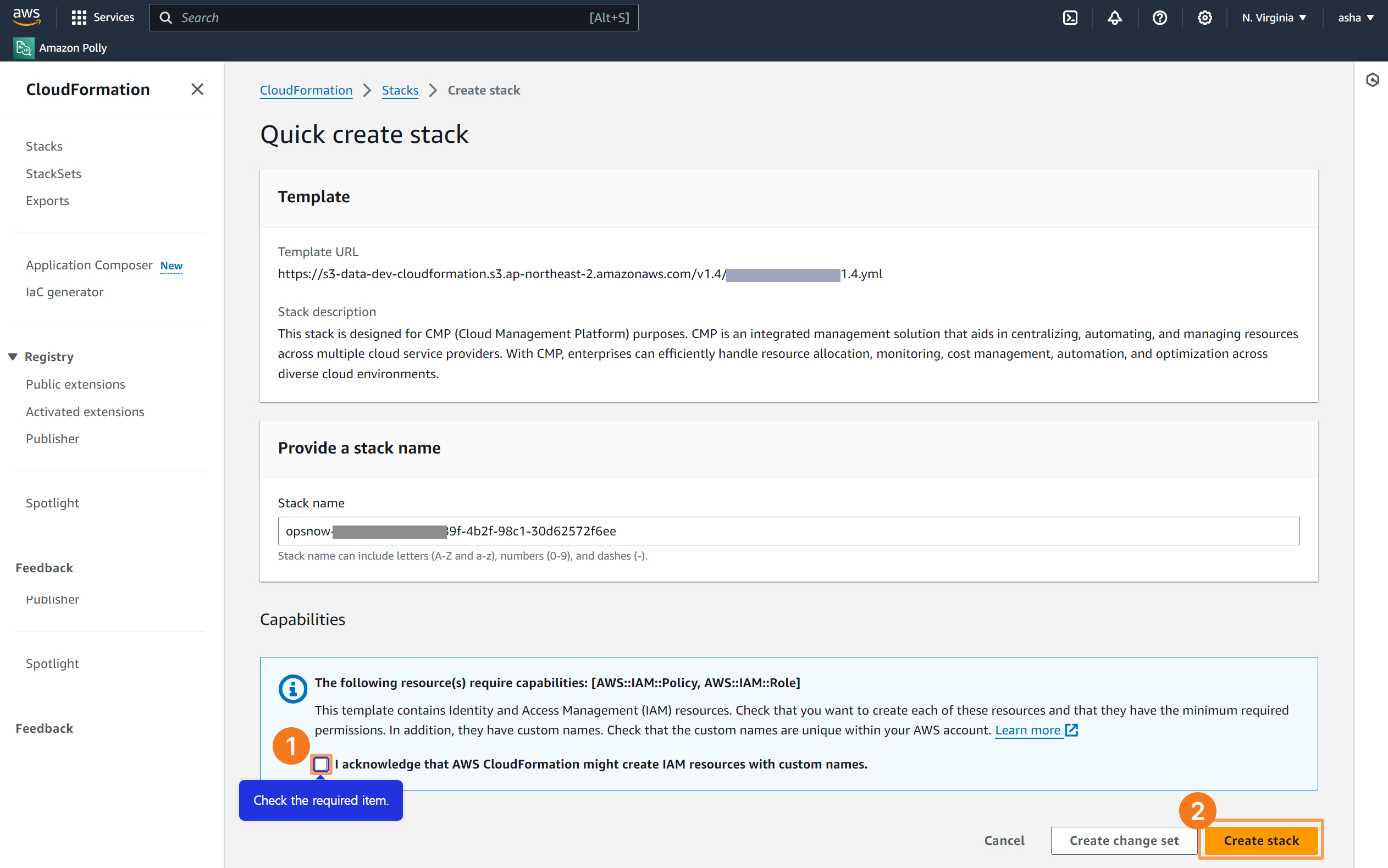
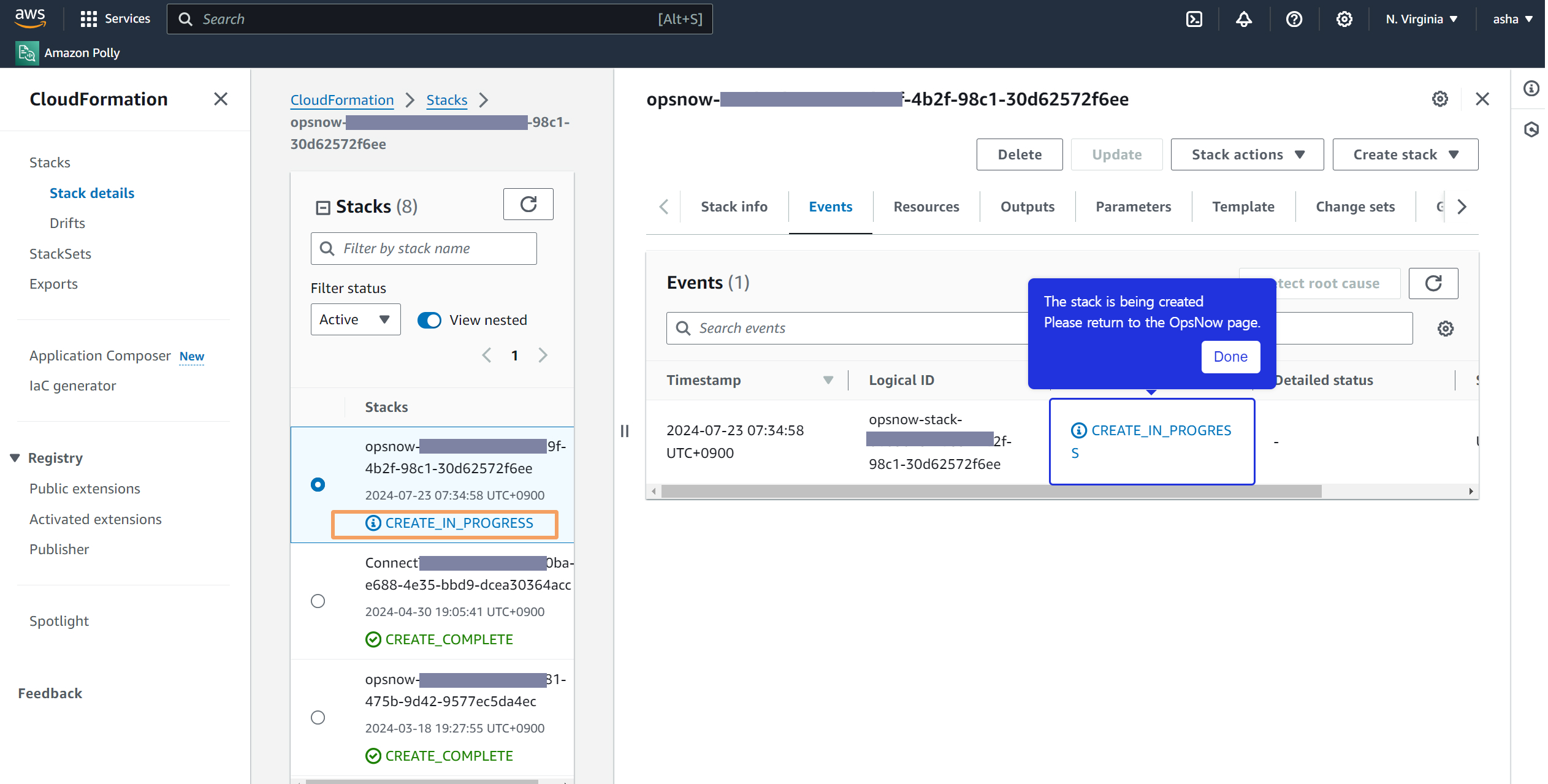
* Click **Create Stack** button below to connect to the AWS console. If a stack is in progress, it will be indicated by a loading icon or an 'in progress' status in OpsNow.
* You can continue with the onboarding process even if the stack creation is still ongoing.
### 4. Check Your Account
* Please check the registered AWS accounts. If there are additional accounts you want to register, simply create another stack.
{% hint style="info" %}
**Add More AWS Accounts**
After registering the Master account and completing the **\[Get Started]** process, you can view and easily add the Member accounts connected to the Master account in the **Settings > Cloud Accounts** menu.
{% endhint %}