> For the complete documentation index, see [llms.txt](https://docs.opsnow.io/dev-opsnow-user-guide-v0.2/llms.txt). Markdown versions of documentation pages are available by appending `.md` to page URLs; this page is available as [Markdown](https://docs.opsnow.io/dev-opsnow-user-guide-v0.2/introduction/getting-started/create-your-accounts.md).
# Create your Accounts
To use OpsNow, you first need to create an account. In addition, most OpsNow services require you to register your cloud account, such as AWS, Azure, or GCP, before you can begin using them.\
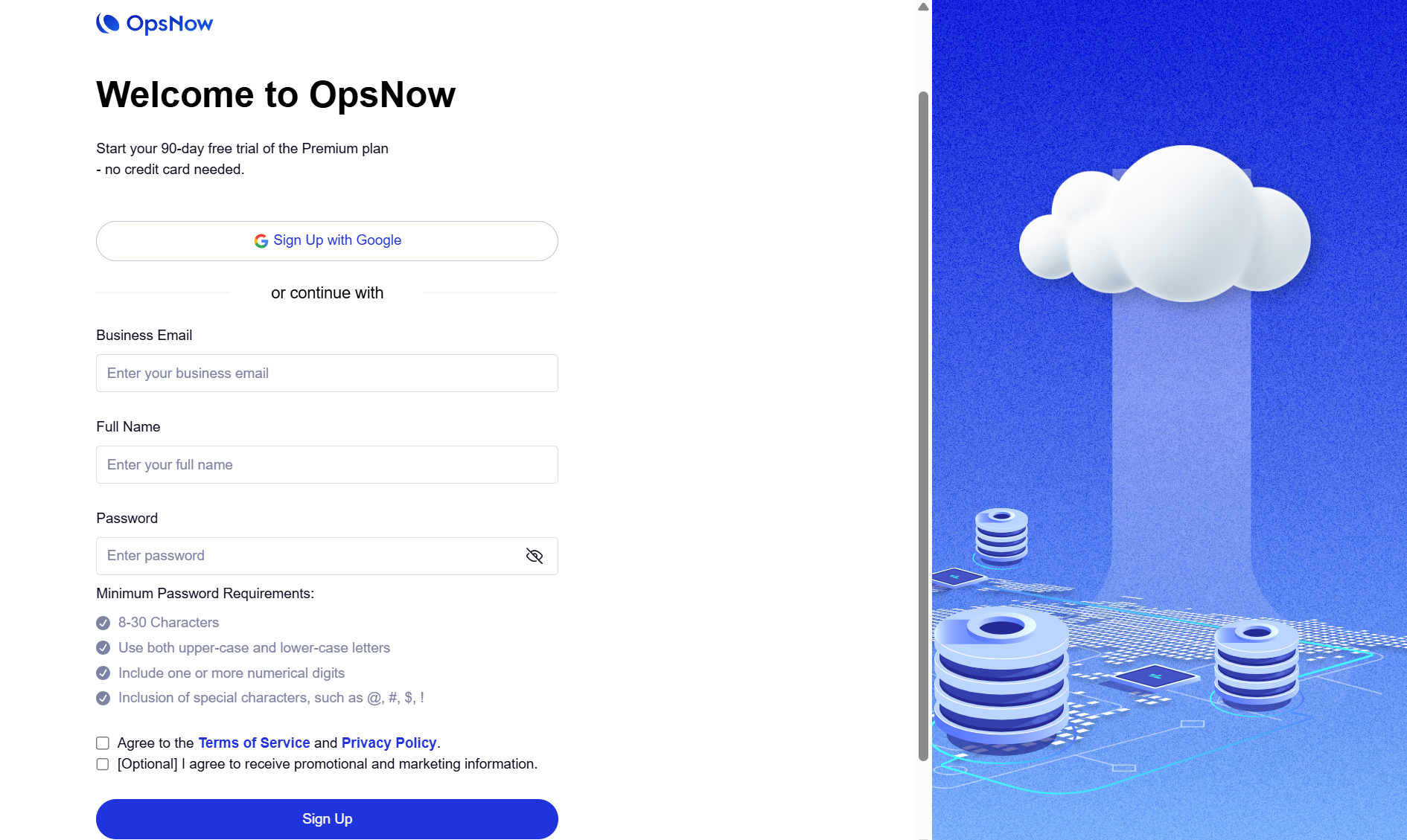
Below is the step-by-step sign-up process.
### Create a new account
1. To start, go to the [www.opsnow.io](https://docs.opsnow.io/dev-opsnow-user-guide-v0.2/introduction/getting-started/www.opsnow.io) website. In the top-right corner of the homepage, click **\[Get Started]**.
2. You will be directed to the login page.\
You can sign in using your Google account or by entering your email address and password. Since you do not have an account yet, click **Sign Up** to create a new one.